Free. Private. Ready to create.

Free photo tools.
For your next post.

Remove backgrounds, design social thumbnails, and split photos for X slideshows. Create in your browser and download the result.

Choose your tool

No account · No watermark · Photos stay on your device

New · Made for X slideshows
One photo. A story across slides.

Skip the measuring and manual crops. Upload a photo, choose 2–4 slides, and download them in posting order.

Create an X slideshow

What do you want to make?

Background remover

Keep the subject. Remove the background, make it transparent, or add a new setting.

Remove a background

Social thumbnail maker

Arrange photos and text for YouTube, Reels, LinkedIn or X. Export a PNG or JPG.

Create a thumbnail

Photo splitter for X

Turn one photo into 2–4 connected slides for an X slideshow. Download and post in order.

Make an X slideshow

Examples

Original vs no background

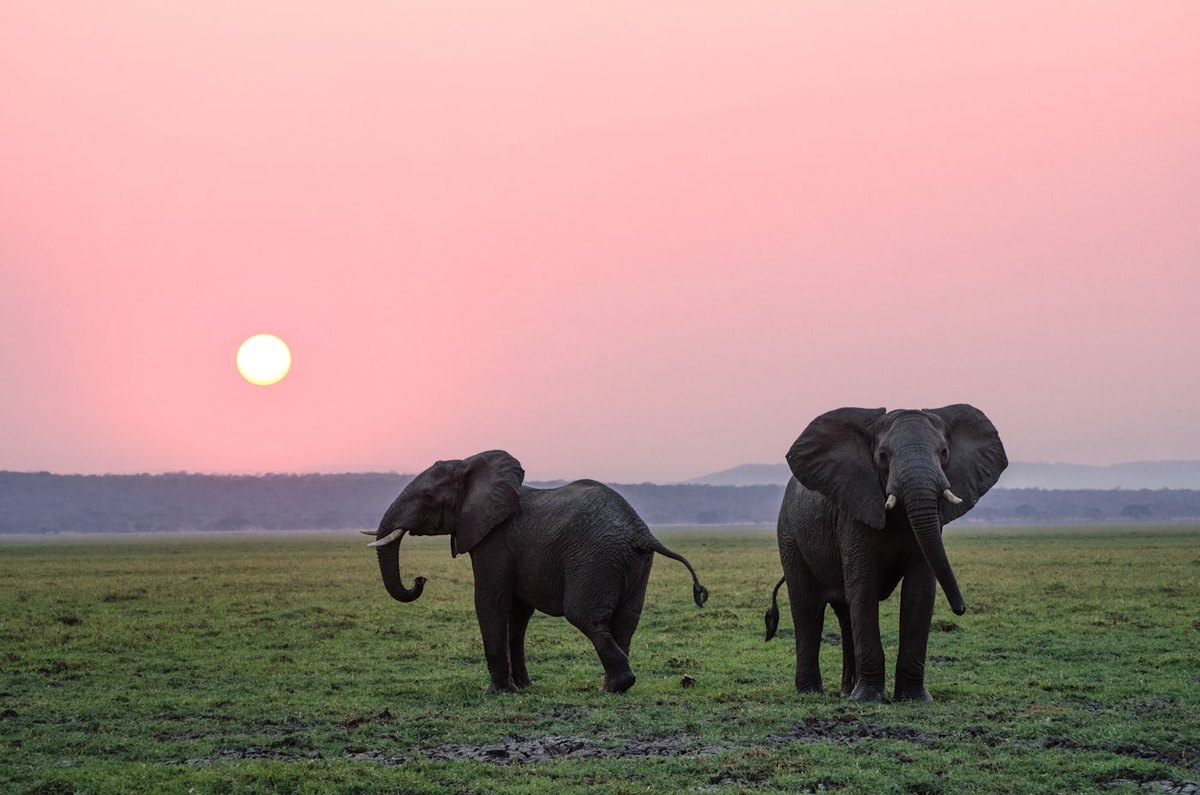
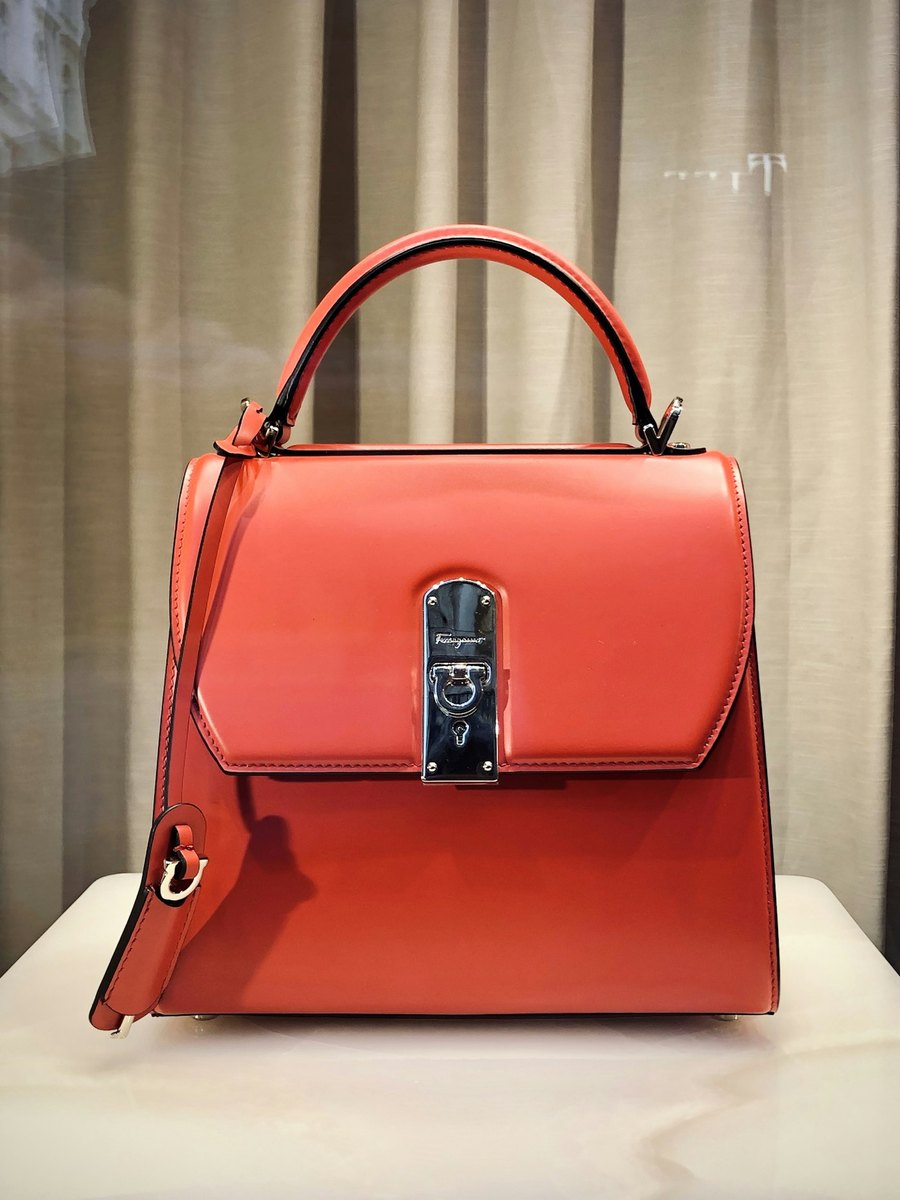
Drag the handle all the way to either edge. Left is the photo as shot. Right is the cutout, the same before and after you get from Knockout.
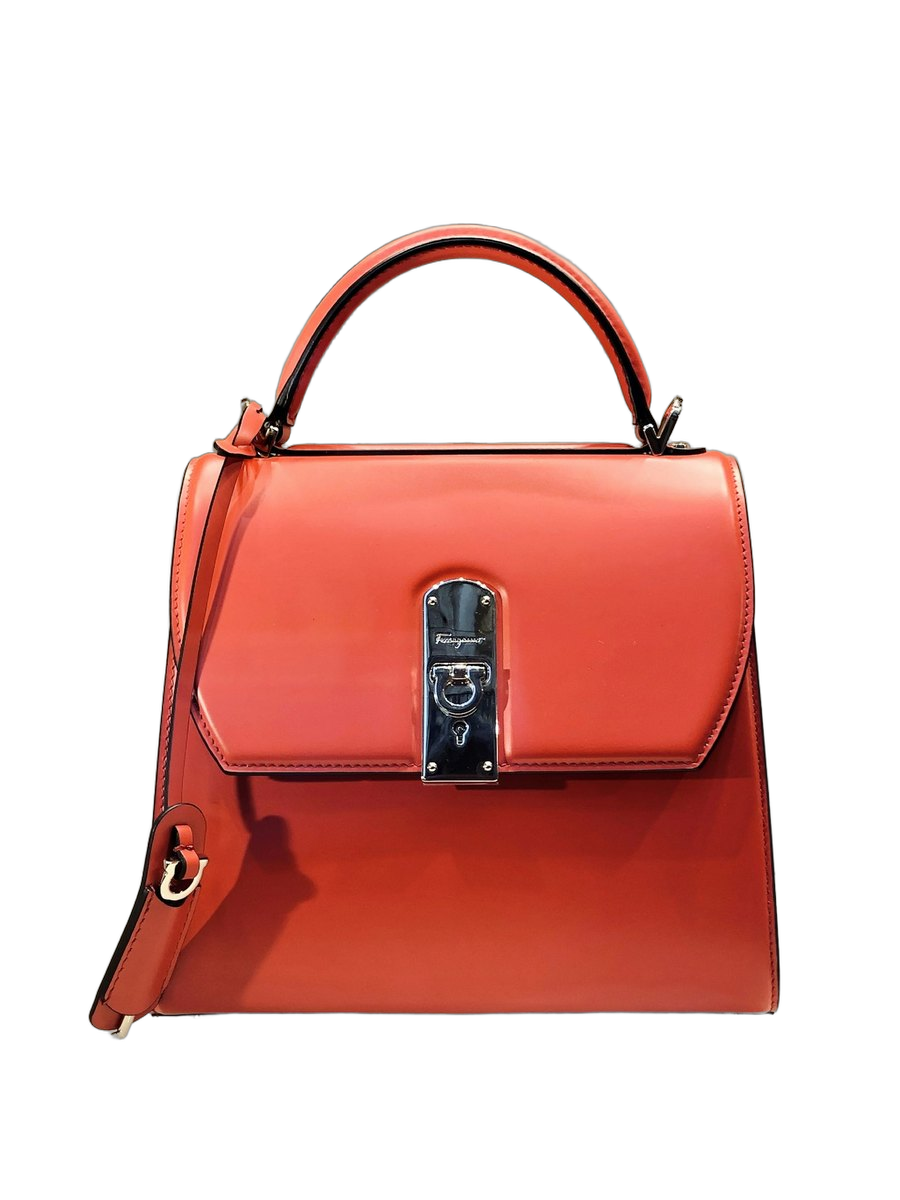
No backgroundWith background
With backgroundNo background

Photo via Unsplash

Your photos stay on your device

Edit product shots, portraits and unreleased work in your browser. No photo upload is needed.

No account, no credits

Drop a JPEG, PNG, or HEIC and download a cutout. There is no signup wall and no per-image bill.

Bring your photos

JPEG, PNG, HEIC from iPhone, WebP, TIFF, SVG, AVIF, GIF, BMP, and ICO. Camera RAW still needs an export.

Use it for

Products, people, social thumbnails.

Products

Knock out studio paper, add a contact shadow, and put the cutout on white or a photo backdrop without leaving this browser.

Product photos

People

Cut portraits and headshots, then preview on a color or a photo backdrop before you export.

For photographers

Animals

Same flow for pets and wildlife: transparent PNG for design, or JPG flattened onto the backdrop you picked.

Social thumbnails

Make a thumbnail or social post with photos, a headline and your choice of background. Choose a platform size and download your design.

Social thumbnail maker

How it works

Three steps. No account.

  1. 01

    Drop a photo

    Drag, browse, or paste. Choose a photo to get started.

  2. 02

    Cut on this device

    The subject is separated here in your tab. The pixels are not sent to Knockout.

  3. 03

    Backdrop and download

    Checkerboard, white, color, or your own photo. After the cut you can add a contact shadow, or open the social thumbnail maker for YouTube, Reels, LinkedIn, and X. Save a transparent PNG or a flattened JPG. Quality starts on High. Pick Standard or Web if you want a smaller file.

An open-source image studio

Create with your photos, on your device.

Cloud tools send the file to a server to cut it. Knockout does the same job in your browser. If you need batch APIs, those products still exist. If you need the pixels to stay on the device in your hands, start here.

FAQ

Straight answers

Does my image get uploaded?
No. Photos, backgrounds and thumbnail text are processed on your device. The app downloads its code and image model, but does not upload your images.
Why is the first background removal slower?
The first cut downloads an image model and runtime: about 56 MB of resource data for the smaller model, or 100 MB for the larger model. Transfer size can differ with compression and browser caching. Later cuts can reuse cached resources.
Can I recover my work after closing the tab?
Turn on Remember on this device to recover your latest photo, thumbnail and photo-splitter draft for up to 24 hours. It is off by default. Expired recovery copies are deleted while the app is open, or on your next visit. Clear photos and drafts removes both saved copies and current edits.
Can I choose which object stays?
The model identifies the main subject automatically. Multiple subjects may stay together. Manual masking and selecting individual objects are not available.
What happens to image quality?
Background removal uses a smaller image to limit processing cost, then applies that mask to the original for export, up to 8192 pixels per side on desktop or 4096 on constrained devices. If the original cannot be decoded for export, the remover reports a preview-sized fallback. Thumbnail exports use source photos at a resolution bounded by the chosen frame and device limits. Fine edges may need further editing.
Which file types work?
JPEG, PNG, WebP, HEIC/HEIF, TIFF, SVG, AVIF, GIF, BMP and ICO are supported where the browser or bundled decoder can read them. Animated images become a still frame. Files must be at most 40 MB, 64 megapixels and 32,768 pixels per side. Camera RAW needs conversion first.
Can I change the background or add a shadow?
Yes. Download a transparent cutout, or choose a color, gradient or background photo. You can add a soft contact shadow without running the model again.
Will it work on my phone?
The tools support current desktop and mobile browsers. Background removal needs WebAssembly, OffscreenCanvas and createImageBitmap. Phones use a smaller model, but large photos, limited memory or an interrupted download can still cause a failure. Keep the tab open while processing.
Can I make a social thumbnail?
Yes. Combine up to eight photos with a title and subtitle. Use layouts, position controls, fonts, frames and backgrounds, then export one of ten social sizes as PNG or JPG. You can also bring a cutout from the remover.
Is Knockout free?
Yes. No account, credit pack or watermark is required. It is an open-source browser tool. Hosting and model downloads still need an internet connection; mobile data charges may apply.
Can I undo a deleted layer?
Undo removal restores one of the last five layer-removal or canvas-reset snapshots in this tab. It is not a full edit history. Saved draft recovery contains the current design, not the undo history.
Can I split a photo for an X slideshow?
Yes. The photo splitter for X turns one image into 2–4 connected slides. Adjust the crop, download numbered images individually or in a ZIP, then attach them to your X post in order.